Terminal over web? ttyd to the rescue
I just want a SIMPLE way to connect to my home network without getting blocked by firewall and proxies with TLS inspection! What do we need?
 Standard port 80/443
Nothing in the “very shady” VPN category like: openvpn, wireguard, tailscale, SSH etc.
TTYD
What is ttyd?
ttyd is a simple command-line tool for sharing terminal over the web.
The project is currently sitting at over 10k stars and is being updated :)
Setup & Configuration
Install
sudo apt-get install -y build-essential cmake git libjson-c-dev libwebsockets-dev
git clone https://github.com/tsl0922/ttyd.git
cd ttyd && mkdir build && cd build
cmake ..
make && sudo make install
Getting a certificate with Certbot
sudo apt install certbot
# Port 80 needs to be available externally!
certbot certonly -d ${DOMAIN} --dry-run
The log mentioned:
Certbot has set up a scheduled task to automatically renew this certificate in the background.
Intersting..
systemctl list-timers:
NEXT                        LEFT          LAST                        PASSED     UNIT                         ACTIVATES
Thu 2025-11-06 03:41:45 CET 6h left       -                           -          certbot.timer                certbot.service
certbot.timer:
[Unit]
Description=Run certbot twice daily

[Timer]
OnCalendar=*-*-* 00,12:00:00
RandomizedDelaySec=43200
Persistent=true

[Install]
WantedBy=timers.target
cat /lib/systemd/system/certbot.service:
[Unit]
Description=Certbot
Documentation=file:///usr/share/doc/python-certbot-doc/html/index.html
Documentation=https://certbot.eff.org/docs
[Service]
Type=oneshot
ExecStart=/usr/bin/certbot -q renew --no-random-sleep-on-renew
PrivateTmp=true
Create a new user with permission to read certificate
sudo adduser --disabled-password --gecos "" termuser
sudo passwd termuser
# Traveral permissions
sudo setfacl -m u:termuser:--x /etc/letsencrypt
sudo setfacl -m u:termuser:--x /etc/letsencrypt/archive
sudo setfacl -m u:termuser:--x /etc/letsencrypt/archive/${DOMAIN}
# File permissions
sudo setfacl -m u:termuser:r /etc/letsencrypt/archive/${DOMAIN}/privkey1.pem
sudo setfacl -m u:termuser:r /etc/letsencrypt/archive/${DOMAIN}/fullchain1.pem
Allow users access in ufw
sudo ufw allow from <CIDR> proto tcp to any port 7681
Setup password for logging in to ttyd
sudo touch /home/termuser/.ttyenv
sudo chown termuser:termuser /home/termuser/.ttyenv
sudo chmod 600 /home/termuser/.ttyenv
# Add line
# TTYD_PASS=<PASSWORD>
Command to be used used
ttyd -p 7681 -W -t title="RP5" --ssl --ssl-cert /etc/letsencrypt/archive/${DOMAIN}/fullchain1.pem --ssl-key /etc/letsencrypt/archive/${DOMAIN}/privkey1.pem -c ttyduser:${TTYD_PASS} /bin/bash
-
-p: port (we will portforward on the router 443-> port) -
-W: make is possible to write -
-t: Browser title -
-ssl: Enable SSL -
-ssl-cert: Path to cert -
--ssl-key: Path to key -
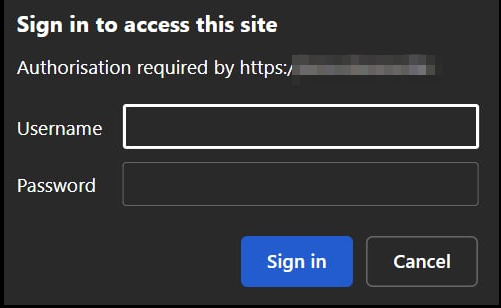
-c: Basic auth, followed by user and password -
[command]: What command the session will land into, we use bash
Setup service with systemd
sudo tee /etc/systemd/system/ttyd.service >/dev/null <<'EOF'
[Unit]
Description=ttyd (web terminal)
After=network-online.target
Wants=network-online.target

[Service]

# Serve login(1) so users authenticate at the TTY level
ExecStart=/usr/local/bin/ttyd \
  -p 7681 \
  -W \
  -t title="RP5" \
  --ssl \
  --ssl-cert /etc/letsencrypt/archive/${DOMAIN}/fullchain1.pem \
  --ssl-key /etc/letsencrypt/archive/${DOMAIN}/privkey1.pem \
  -c ttyduser:${TTYD_PASS} \
  /bin/bash
Restart=on-failure
User=termuser
Group=termuser
AmbientCapabilities=CAP_NET_BIND_SERVICE
EnvironmentFile=/home/termuser/.ttydenv

[Install]
WantedBy=multi-user.target
EOF
Enable systemd
sudo systemctl daemon-reload
sudo systemctl enable ttyd.service
sudo systemctl restart ttyd.service
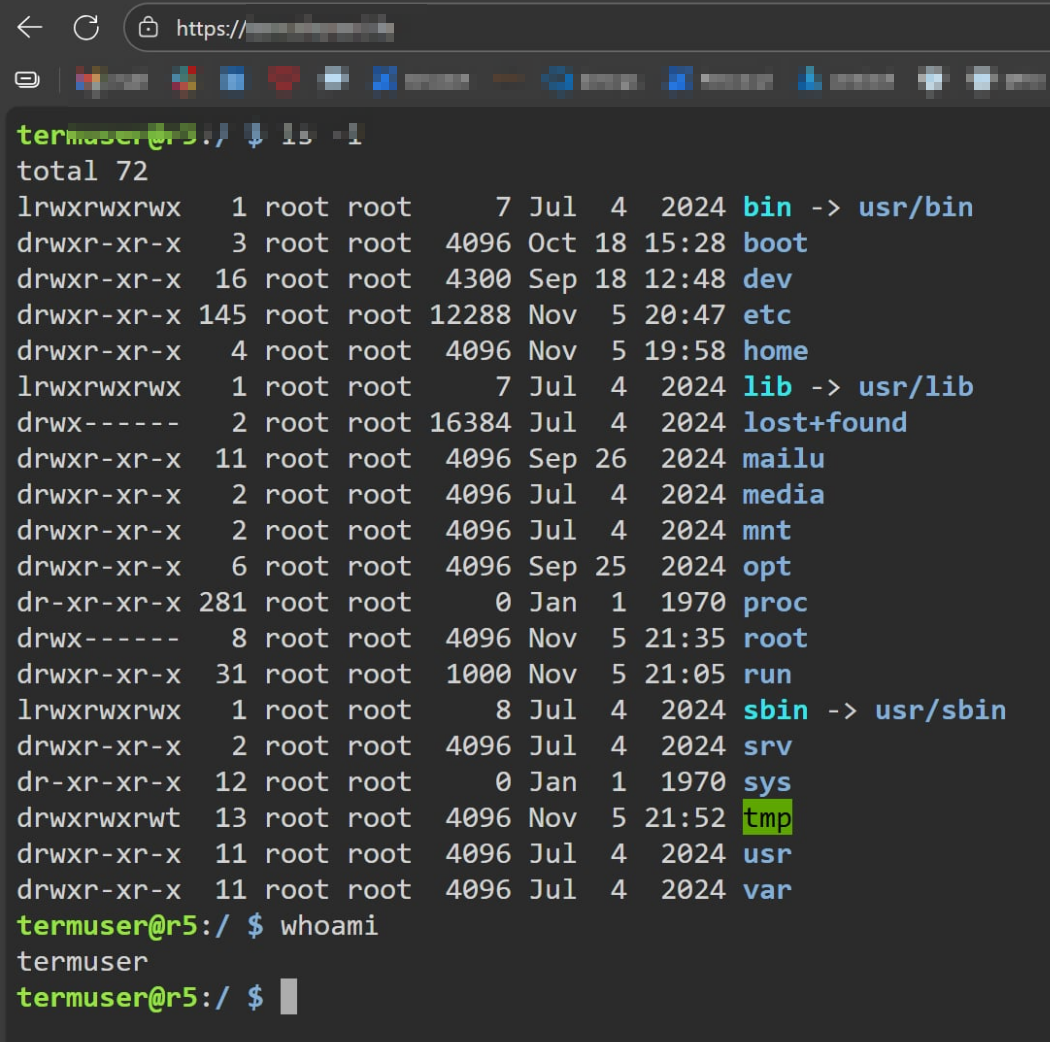
Final result
Enter creds and voilà, we are in!